
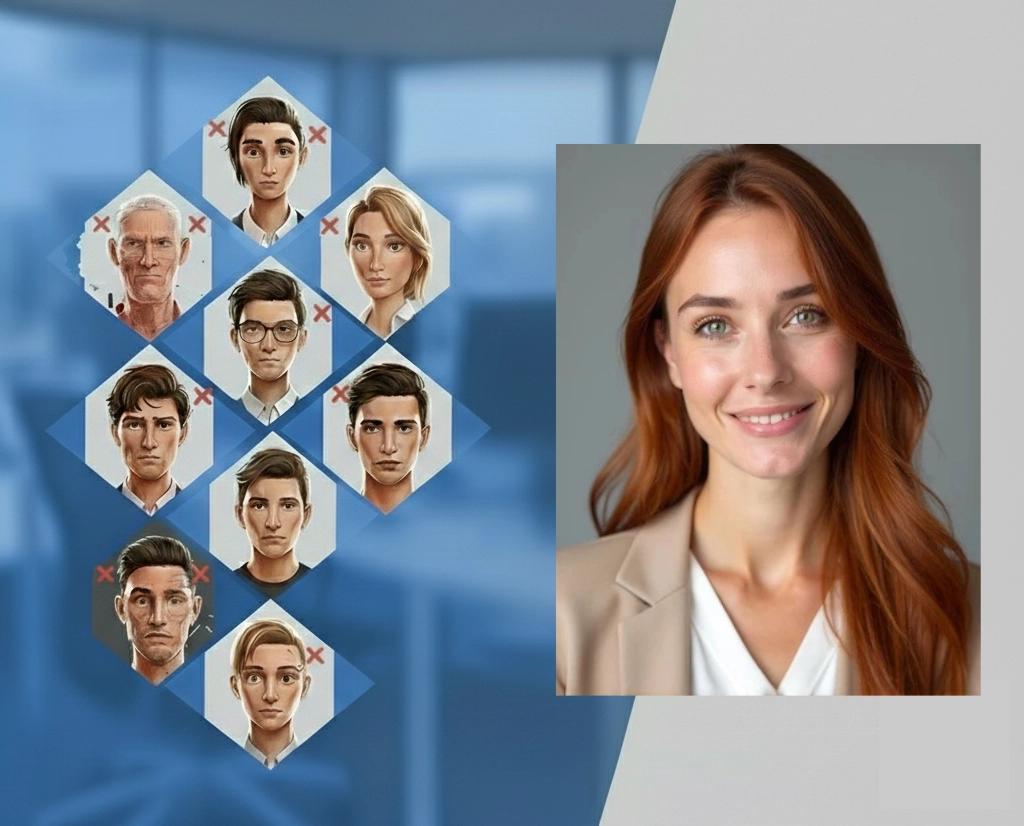
7 Mistakes You're Making with AI Headshots (and How to Fix Them)
Your LinkedIn profile gets 21× more views with a professional headshot. But here's the thing: not all AI headshots are created equal. While AI technology has revolutionized professional photography, making studio-quality headshots accessible to everyone, many people are still making critical mistakes that sabotage their results.
Whether you're job hunting, building your personal brand, or updating your dating profile, these seven common mistakes could be costing you opportunities. Let's fix them.
1. You're Uploading Low-Resolution Photos
Your AI headshot is only as good as the photos you feed it. This is the #1 mistake we see at ProfileHero: people uploading blurry, pixelated photos from their phone's camera roll and expecting miracle results.
Here's what happens: AI algorithms need crisp, detailed input to generate sharp, professional output. When you upload a 300-pixel selfie from 2019, even the best AI can't create details that simply aren't there. ProfileHero analyzes your uploads before generation to flag issues like low resolution, poor lighting, and heavy crops—so you can swap in better photos before you waste a run.
The fix: Use your best-quality images: at least 1000 pixels wide with clear facial features. Upload 8–12 casual photos taken recently in good light for the strongest results. Modern smartphones capture high-resolution images by default, so prioritize your sharpest shots. For a complete guide on preparing quality source photos, check out our professional headshot guide. If you're unsure about resolution, upload more high-quality options rather than settling for pixelated images.

2. You're Ignoring Lighting Quality
Poor lighting is the silent killer of professional headshots. Those dimly lit bathroom selfies or photos with harsh overhead lighting create shadows that distort your facial features: and AI can't magically fix what it can't see clearly.
Natural lighting from a window during daytime hours provides the most flattering results. Avoid backlighting (where you're silhouetted against a bright background) and harsh direct flash that creates unflattering shadows under your eyes and nose.
The fix: Take your source photos in soft, even lighting. A large window during mid-morning or afternoon provides ideal conditions. If you must use artificial light, opt for diffused lighting rather than direct bulbs. This small change alone can transform your AI headshot quality from amateur to executive-level professional.
3. You're Using Inconsistent Photo Angles
Here's where many people go wrong: they upload a mix of selfies, group photo crops, side profiles, and full-body shots, thinking variety equals better results. Actually, it confuses the AI algorithm.
When ProfileHero analyzes inconsistent angles and poses, it struggles to create a coherent representation of your face. The result? Distorted proportions or features that don't look quite right: exactly what you want to avoid for LinkedIn headshots or professional profiles.
The fix: Stick to similar framing and angles across all your source photos. Face the camera directly in most shots, maintain consistent eye contact, and keep the framing from chest-up to shoulders-up. Ideally, take all your source photos in a single session to ensure consistency.
4. You're Wearing Distracting Clothing
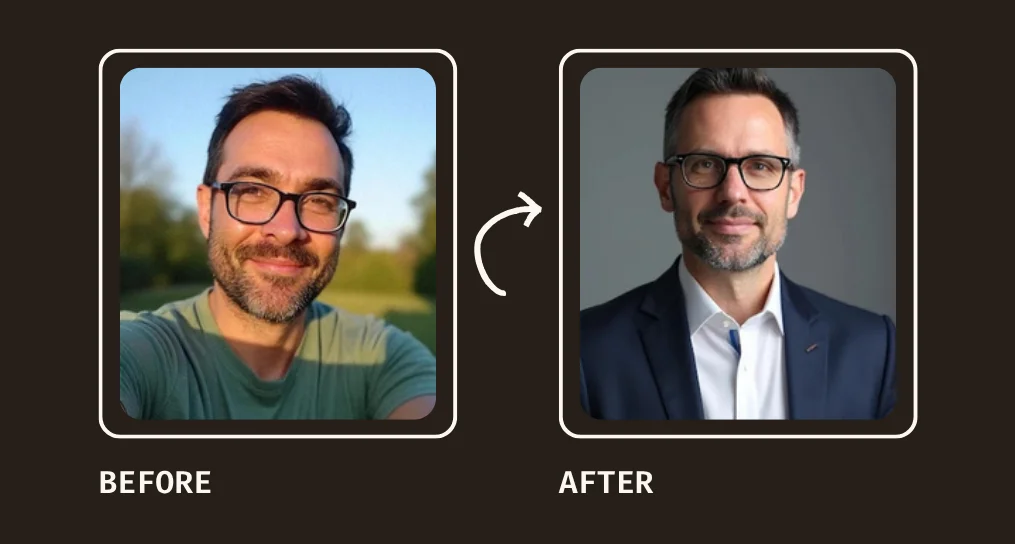
Your outfit choices in source photos directly impact your final headshot. Busy patterns, neon colors, or overly casual attire can overshadow your face and create a unprofessional impression: the opposite of what you want for career advancement.
Think about your industry standards. A tech startup might embrace casual blazers, while law firms expect traditional business attire. Your AI headshot should align with these expectations from day one.
The fix: Choose simple, professional clothing in solid colors that complement your skin tone. Navy, charcoal, white, and muted colors photograph well and convey competence. Avoid logos, busy patterns, or anything too casual unless it specifically matches your industry culture.
5. You're Starting with Group Photos or Heavily Cropped Images
This mistake is more common than you'd think. People dig through their photo galleries, find that great shot from a wedding or conference, and crop themselves out of the group. The result? The AI receives partial facial information and struggles to generate a complete, professional headshot.
Group photos also introduce competing faces and backgrounds that confuse AI algorithms. Even if you look great in that group shot, the technology works best with clean, individual portraits.
The fix: Use solo photos where your face is completely visible and unobstructed. Your face should take up a good portion of the frame without being too close (avoid extreme close-ups). This gives the AI the best possible data to work with.
6. You're Overlooking Background Clutter
While ProfileHero can generate professional backgrounds for your headshots, starting with a cluttered or distracting background makes the AI's job harder. Busy patterns, multiple people, or chaotic environments can interfere with facial recognition and edge detection.
A clean background helps the AI focus on what matters most: your face and expression. This leads to sharper results and more professional-looking final images.
The fix: Choose photos with simple, uncluttered backgrounds. A plain wall, outdoor setting with blurred background, or simple indoor environment works best. Even if you plan to use a different background in your final headshot, starting clean gives you better results.
7. You're Neglecting Professional Grooming and Expression
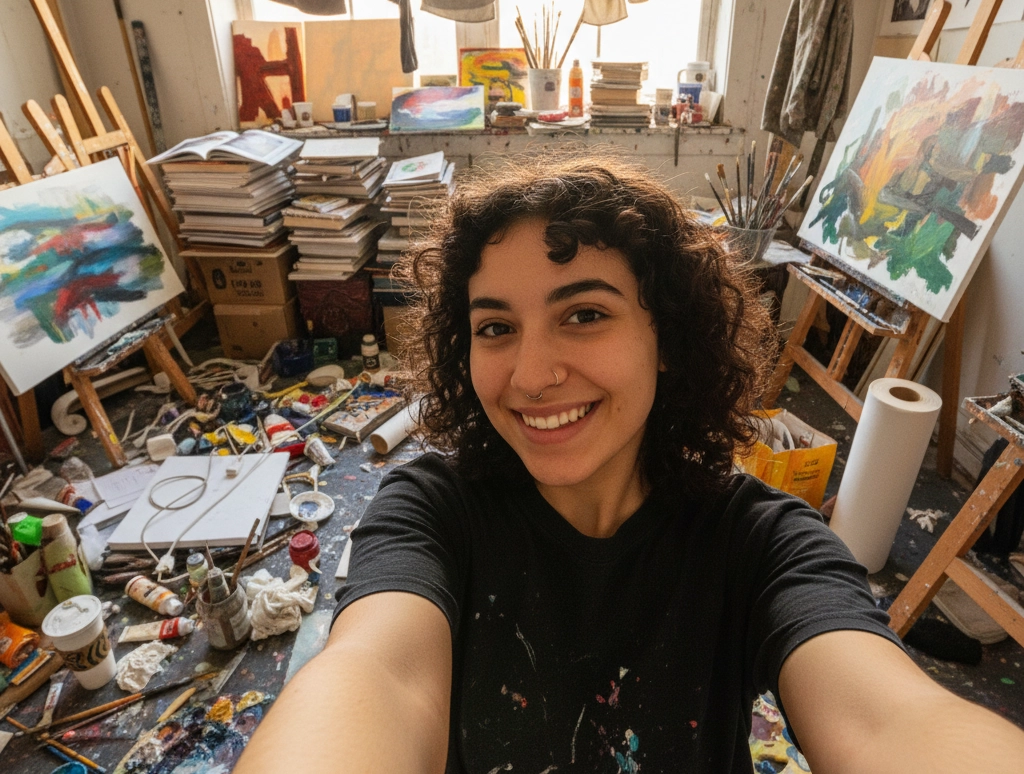
Here's the truth: AI enhances what you give it: it doesn't transform you into someone else. If your source photos show messy hair, wrinkled clothing, or an unprofessional expression, that's what you'll get back, just in higher quality.
Your facial expression matters too. Overly casual expressions, forced smiles, or awkward poses carry through to the final result. For professional contexts like job applications or LinkedIn profiles, you want to convey confidence and approachability.
The fix: Treat your source photos like you're already at a professional photo shoot. Groom yourself as you would for an important meeting, wear appropriate attire, and use natural, confident expressions. A slight smile with genuine eye contact works best for most professional contexts.
Why ProfileHero Gets It Right
At ProfileHero, we deeply analyze your uploaded photos before generating headshots. We automatically check resolution, lighting, face visibility, and consistency—flagging issues like low-res uploads or heavy crops so you can swap them out. Upload 8–12 casual photos for the best results and a natural, consistent look.
Packages:
- Solo Hero — £14
- Pro Hero — £19 (Most Popular)
- Hero+ — £34
You get studio-quality headshots in minutes, not weeks. No scheduling conflicts, no expensive photography sessions, no awkward poses. Just upload 8–12 casual photos, let ProfileHero do the work, and download your professional headshots within 1–2 hours.
Check out our gallery to see the difference quality input and advanced AI technology can make.
Your Professional Image Starts Here
Don't let these seven mistakes sabotage your professional opportunities. Whether you need headshots for LinkedIn, your company website, or dating profile photos, the right approach makes all the difference.
Ready to create headshots that actually help your career? Get started with ProfileHero today—upload 8–12 casual photos and get studio-quality results in minutes. Your future self will thank you.